
Racing Gaming Chairs
Find Your Perfect Racing Cockpit
Compare our top Playseat racing simulators side by side to find the right fit for your setup, space, and racing style.


Price
$1,199.00
$2,499.00
Seating Position
GT / Rally
Open-wheel / F1®
Frame Material
Steel & aluminum
Premium steel
Foldable Design
Yes
No
Monitor Mount Ready
Yes
Yes
Adjustable Pedal Plate
Yes
Yes
Best For
Immersive GT racing
Pro F1® simulation
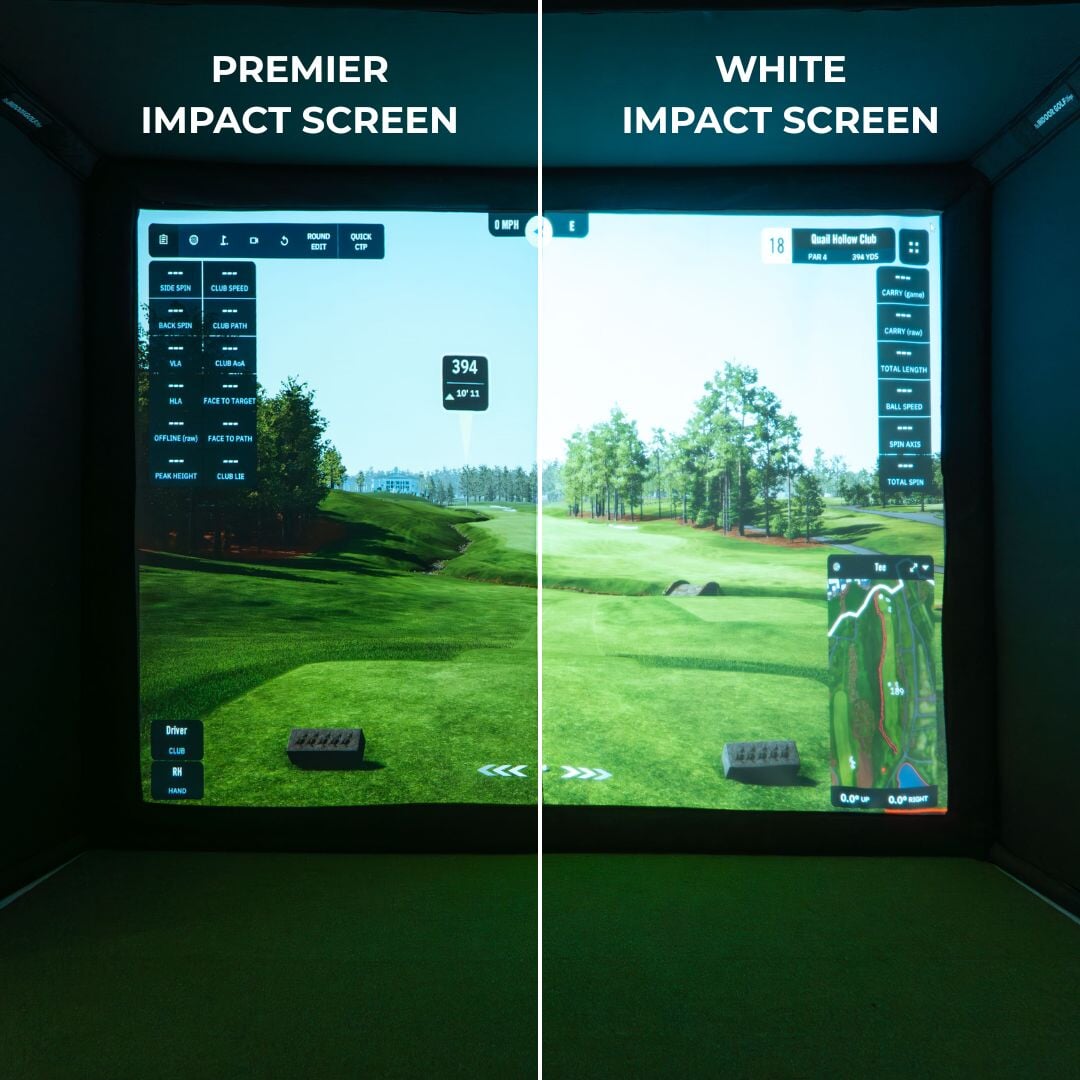
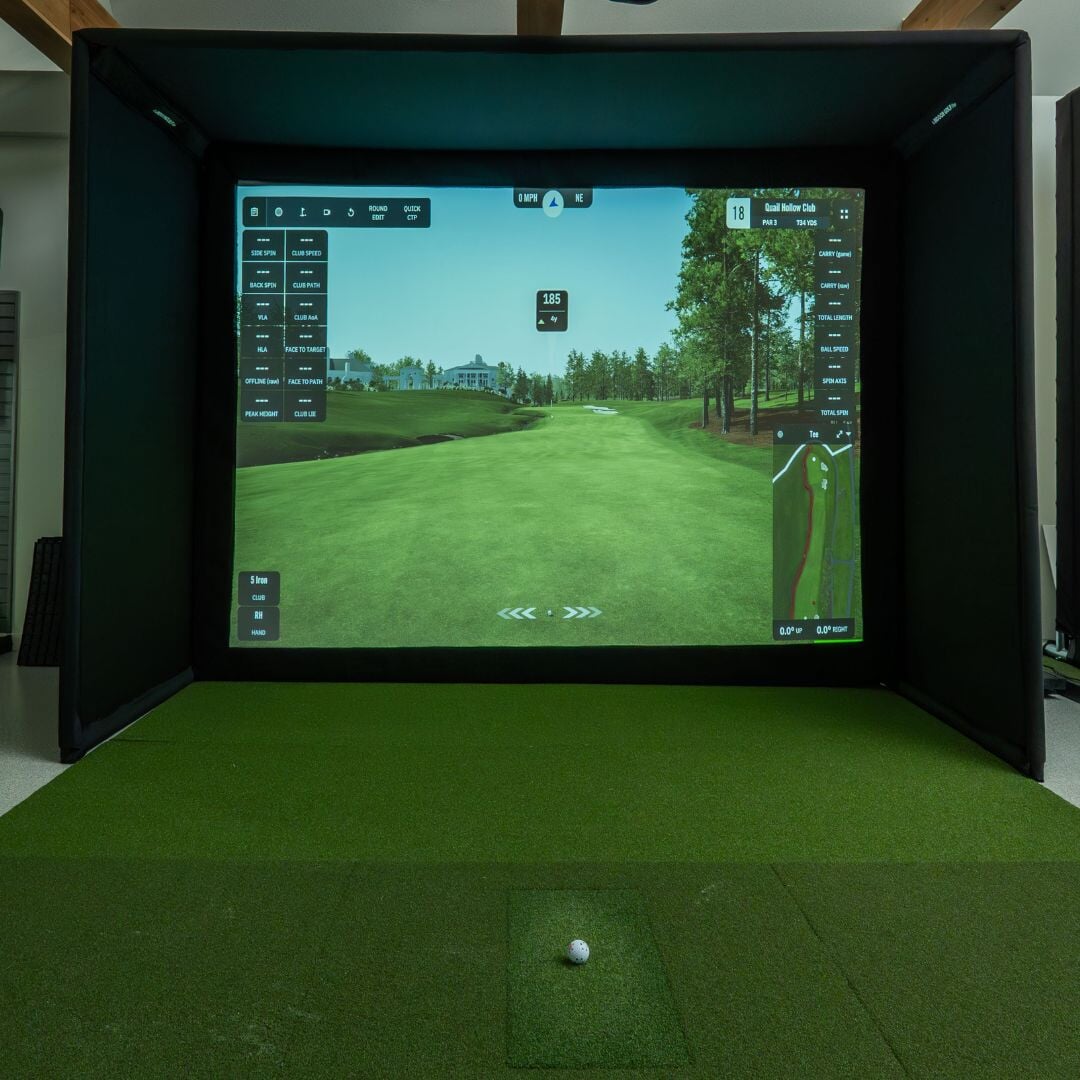
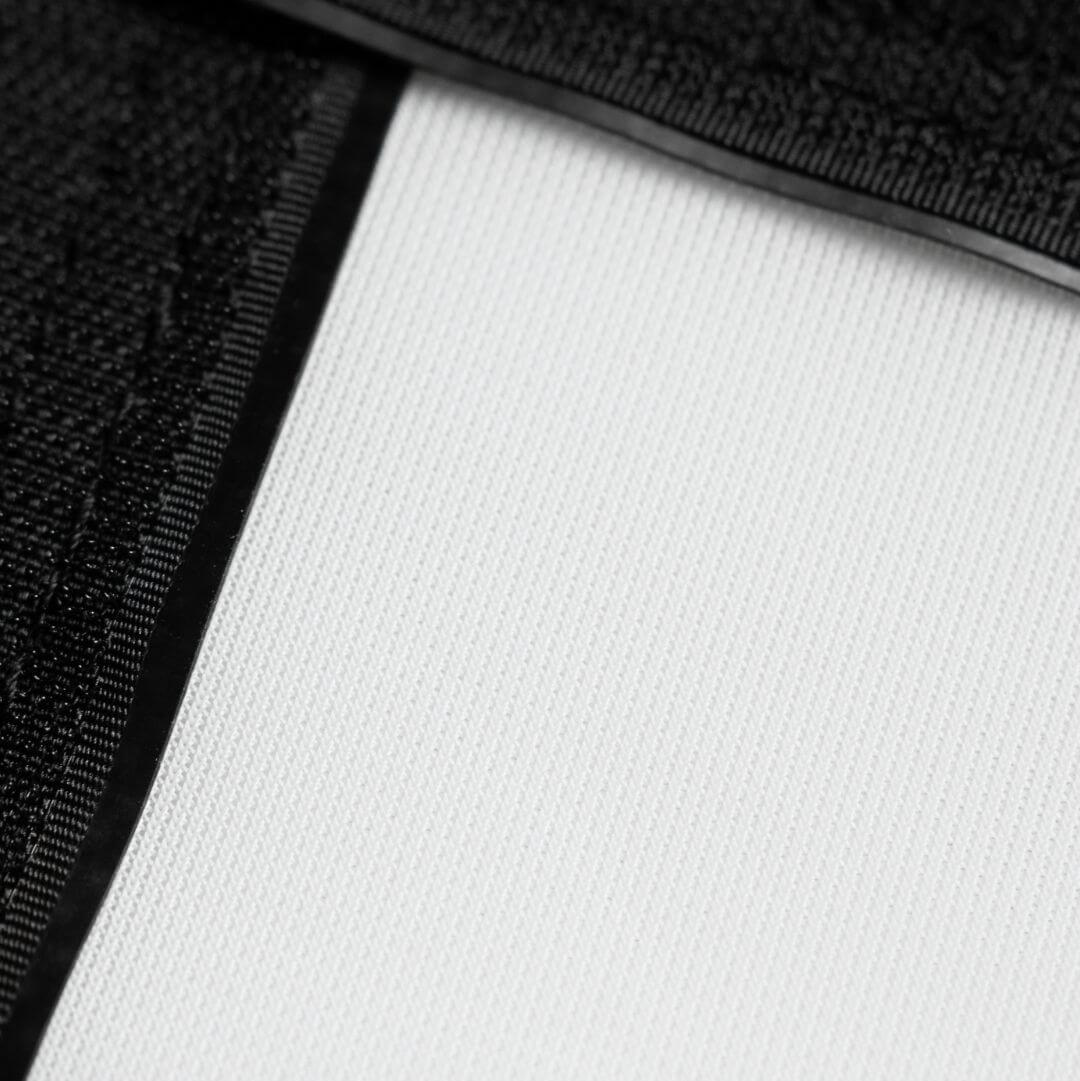
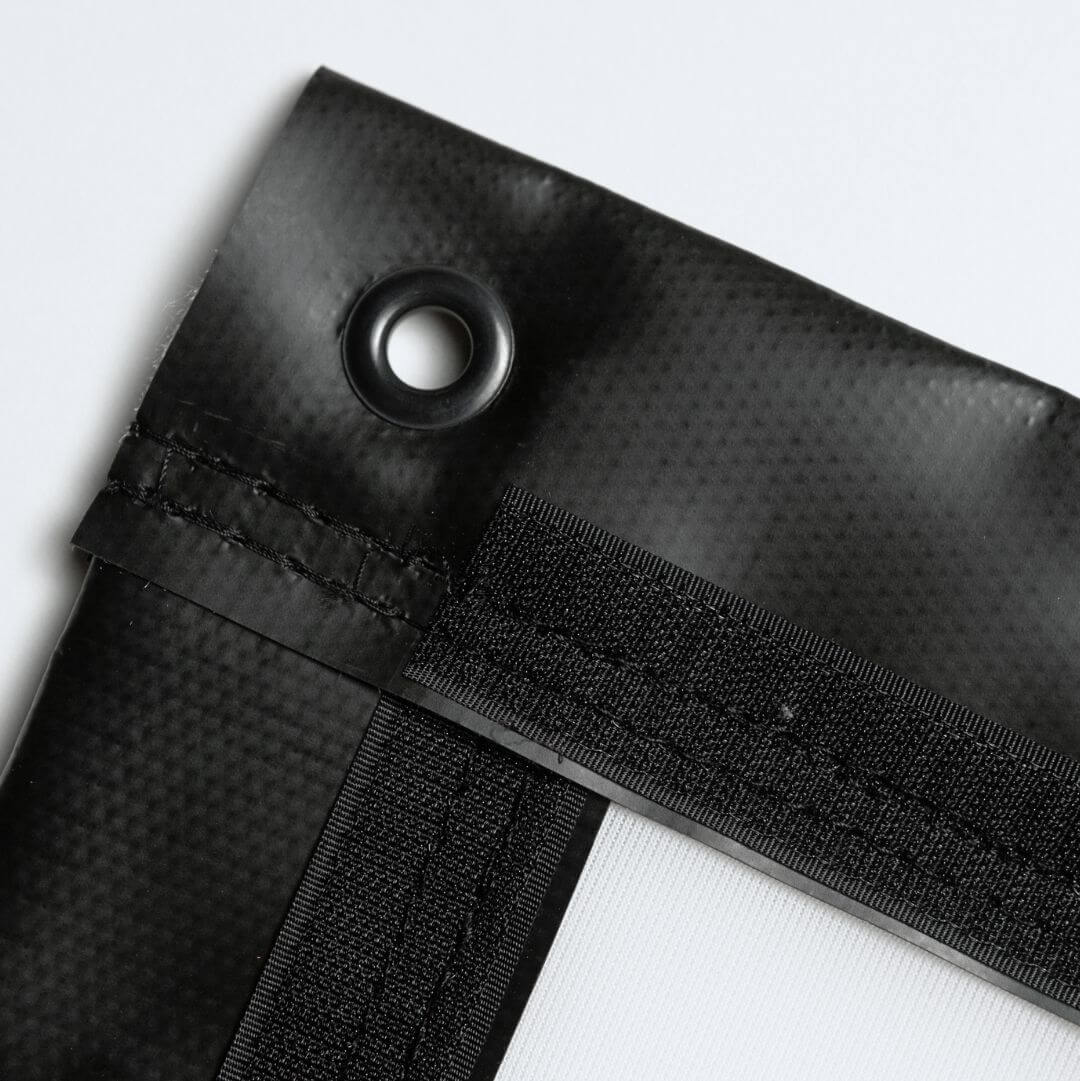
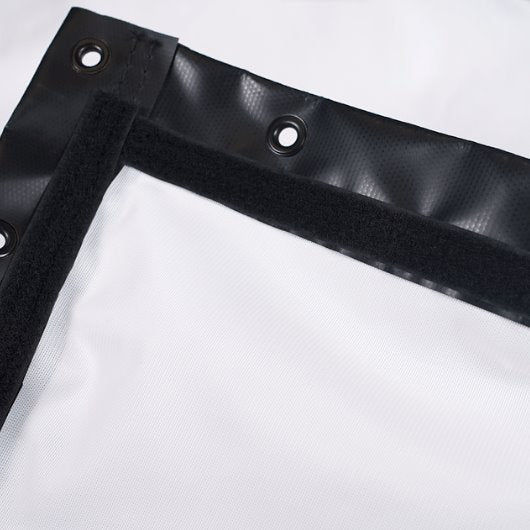
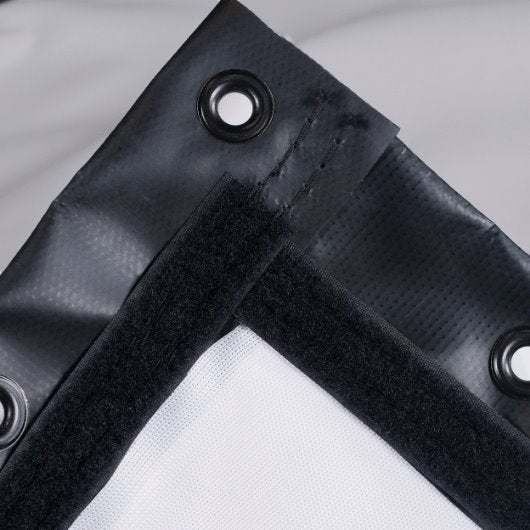
Step 2 of your golf simulator build. The impact screen is what you hit into and what your projector shows the course on. Choose by budget, image quality and how dark your room is.
- SIG Preferred: durable single-layer screen for home builds at a lower price.
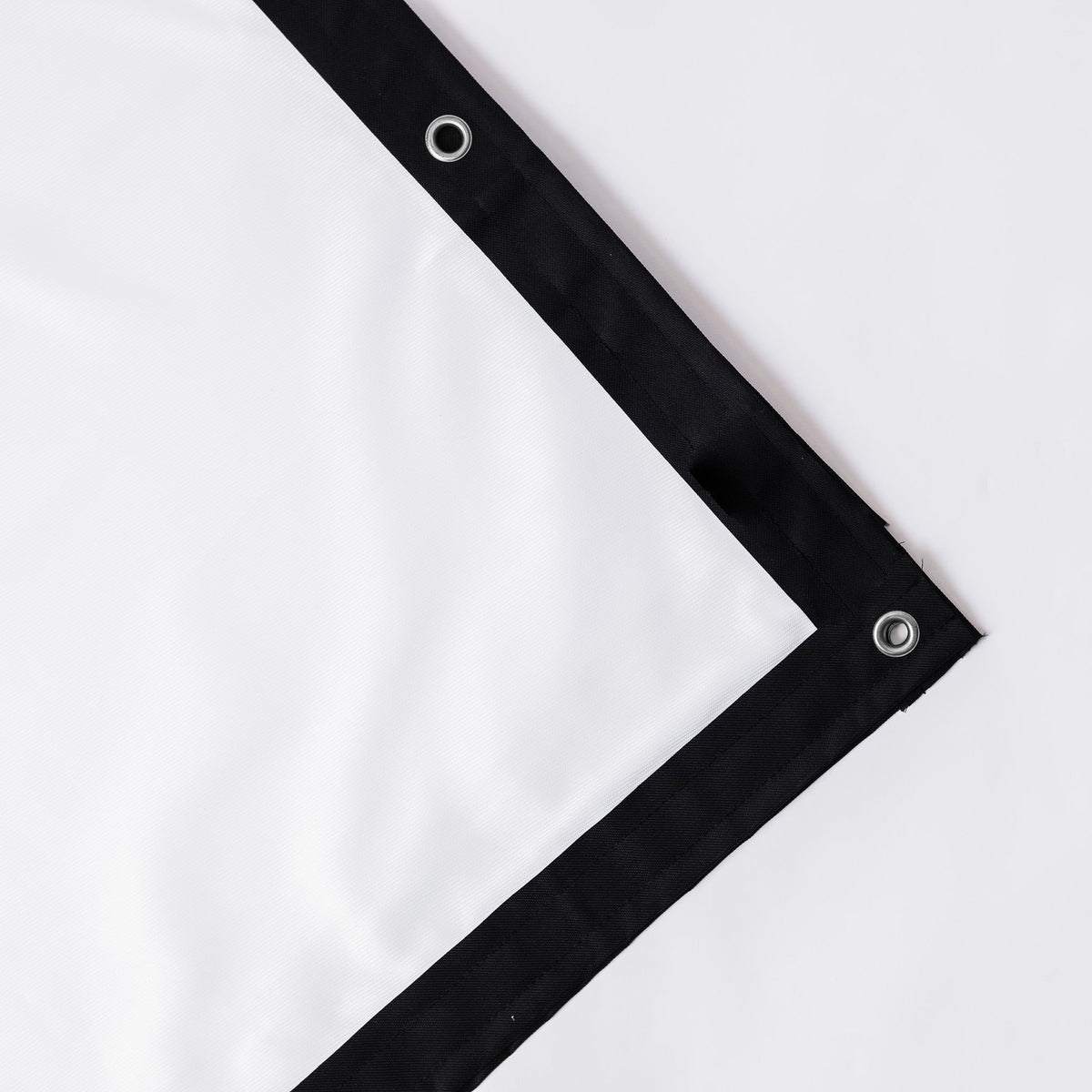
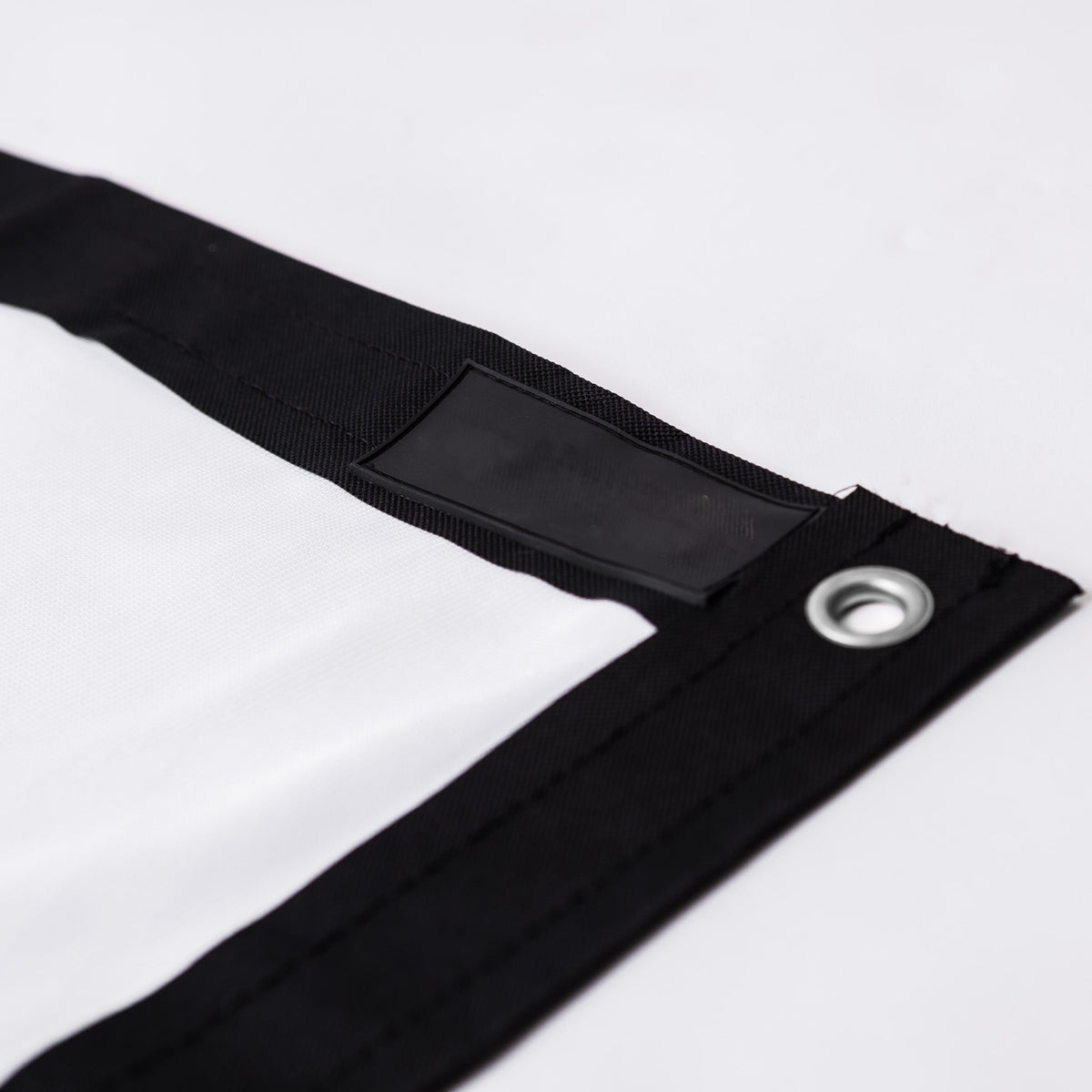
- SIGPRO Premium: three-layer spacer screen for the sharpest image, quietest strike and least bounce-back.
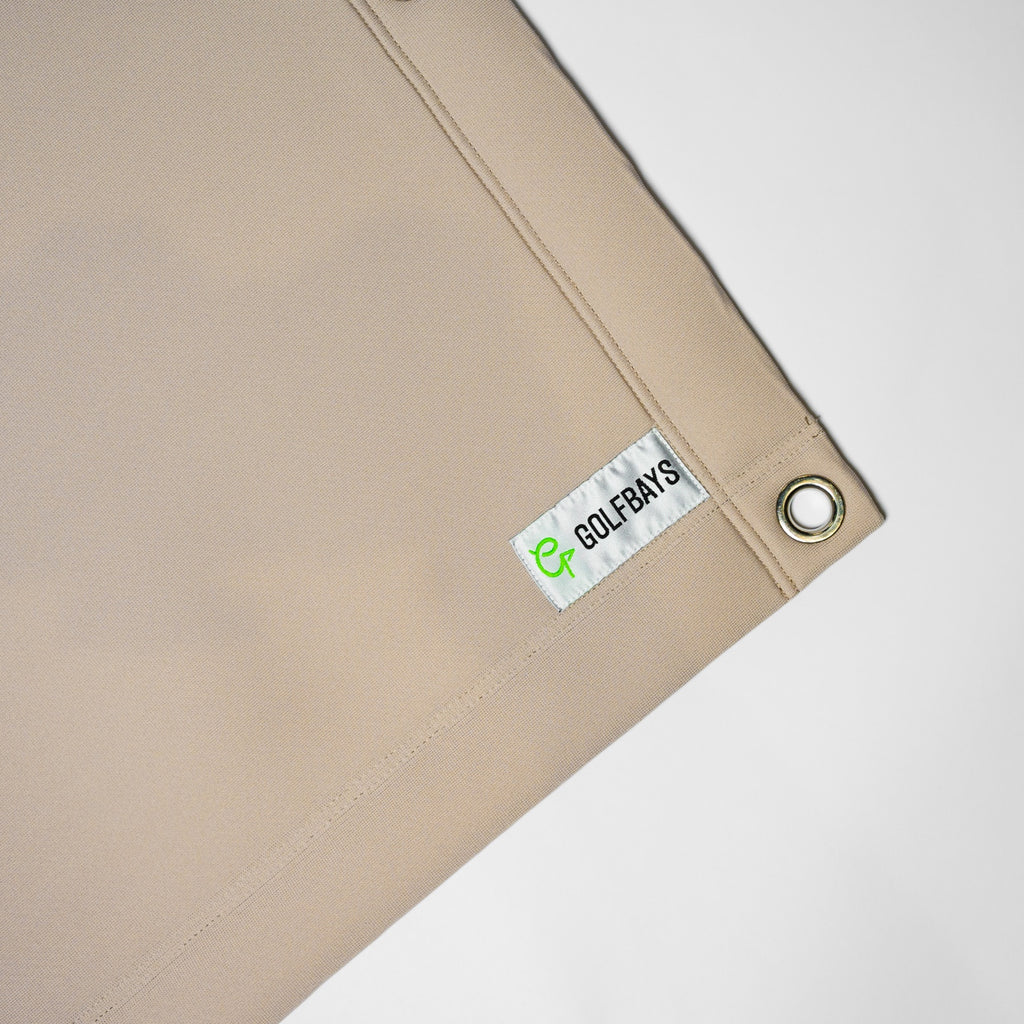
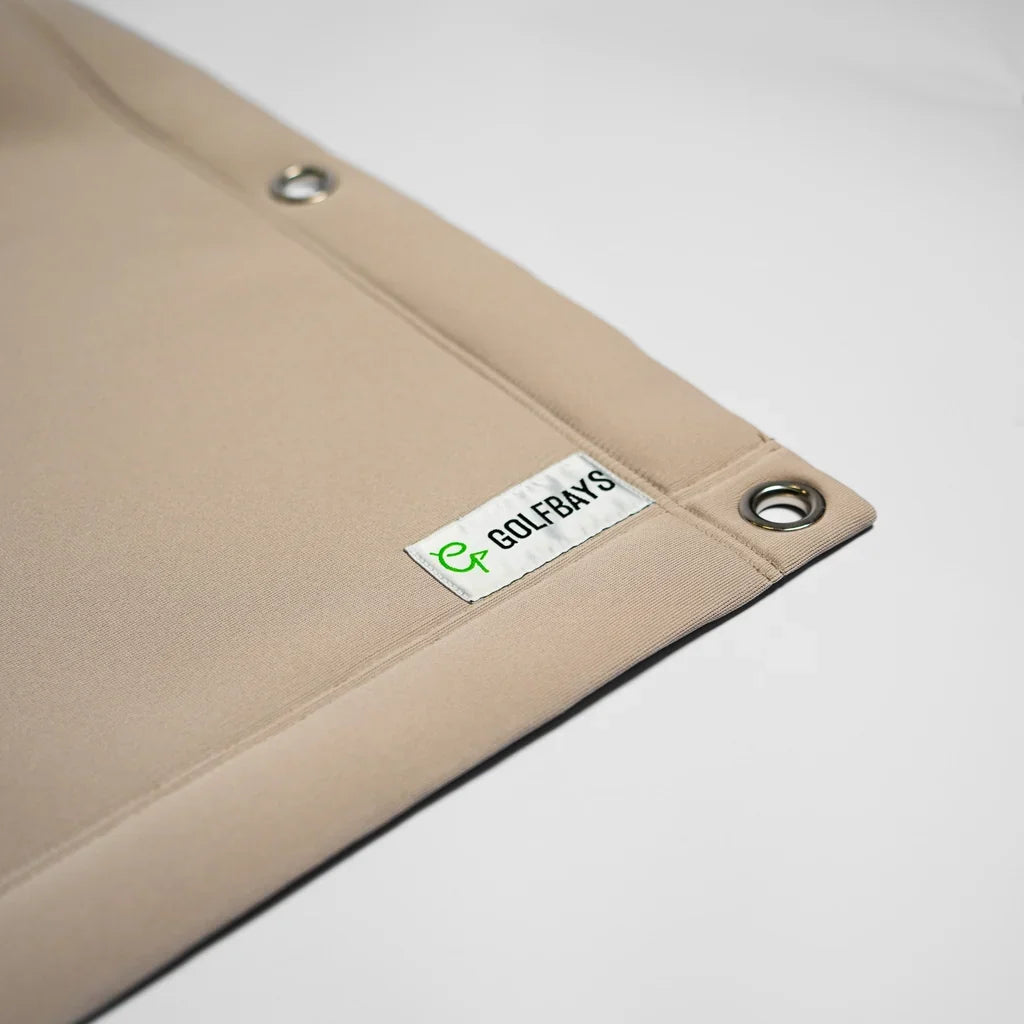
- SIGPRO Premier Gray: Premium build with a gray face for rooms with windows or lights.
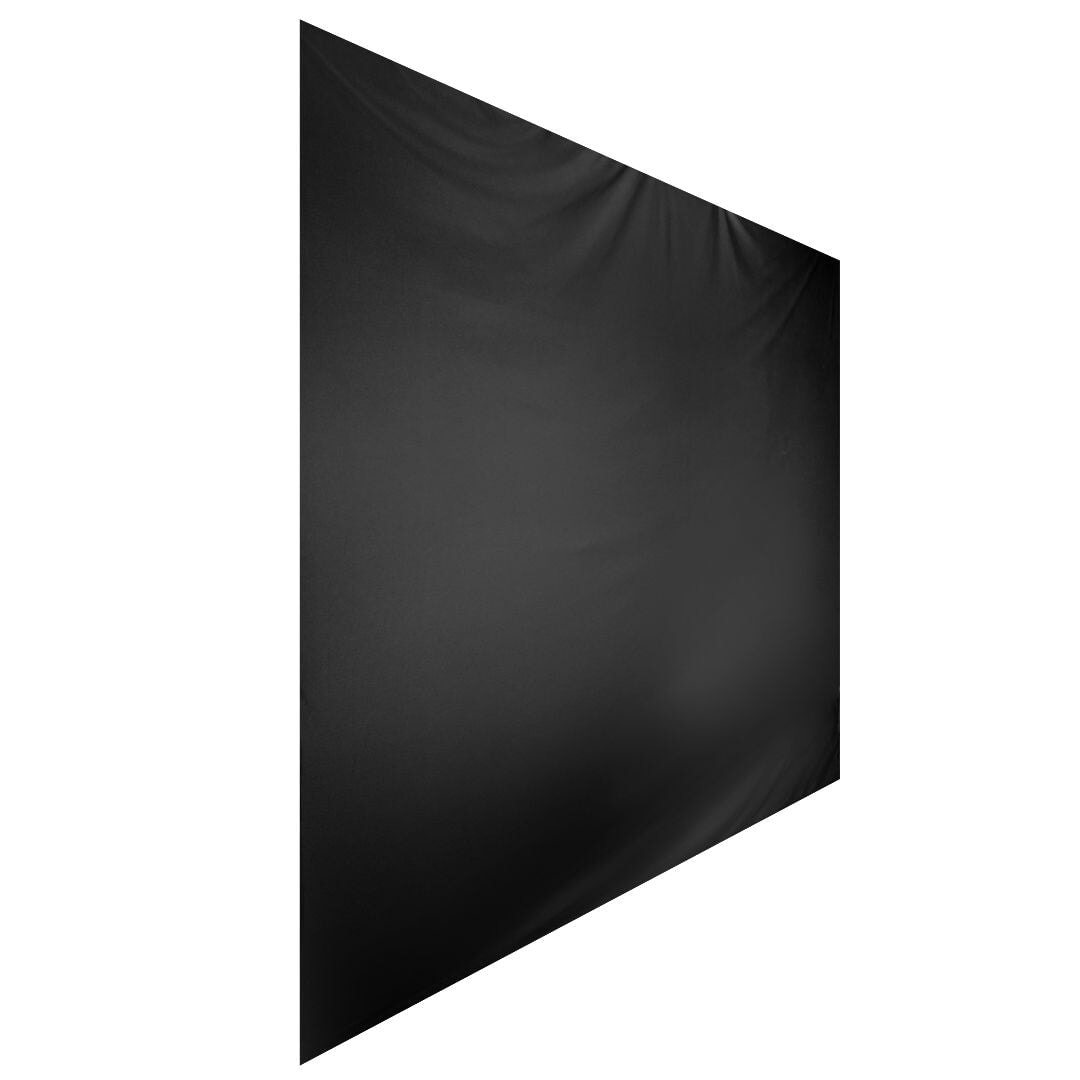
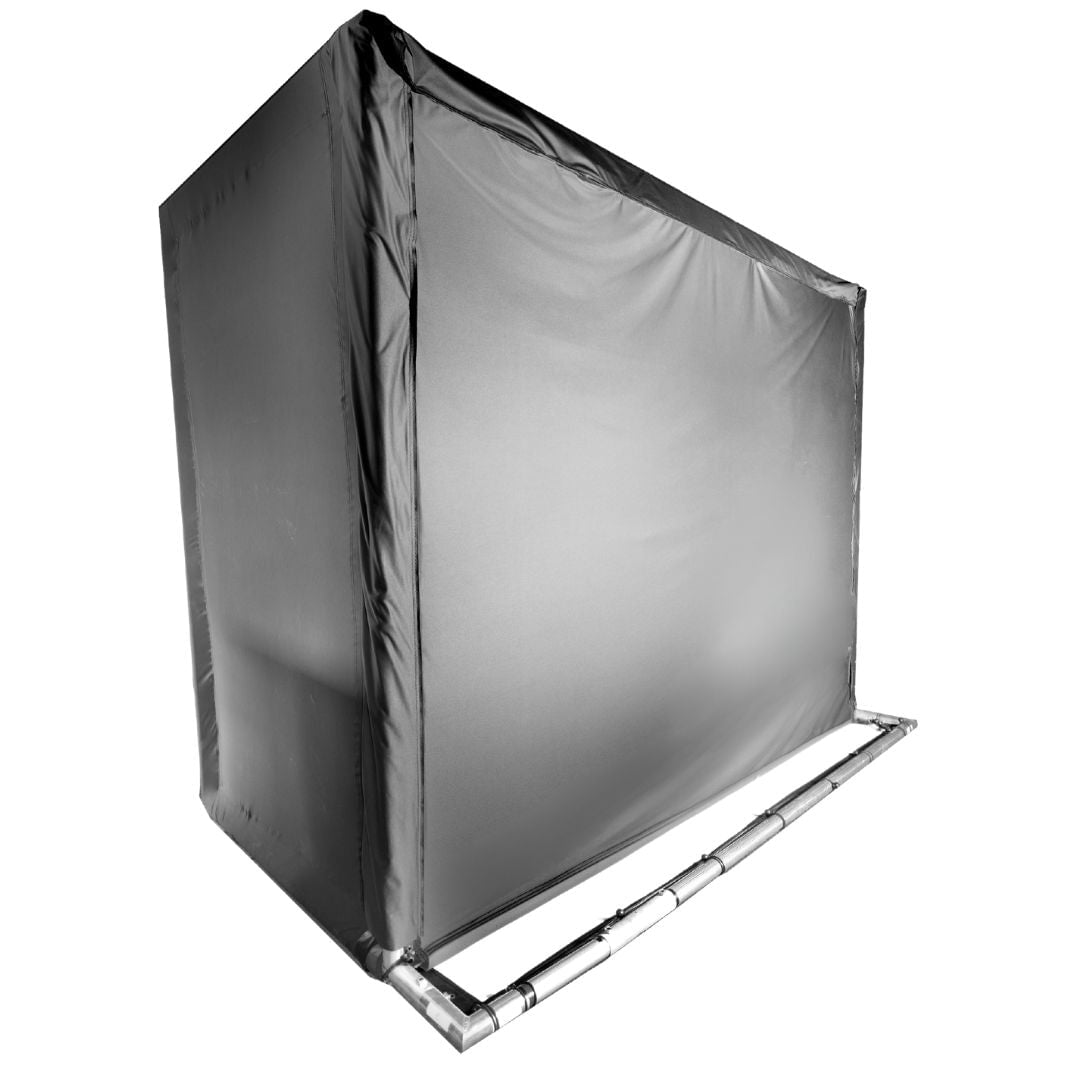
- Blackout backing: hangs behind a white screen to stop light bleeding through.
Next step: choose a hitting mat · see the full build guide
Golf Simulator Impact Screens FAQs
What aspect ratio should my screen be?
Match your projector and space. 4:3 and 1:1 suit narrower rooms; 16:10 and 16:9 fill wider bays.
White or gray screen?
White gives the brightest image in a dark room. Gray rejects ambient light for rooms you cannot fully darken.
How much room do I need for a golf simulator?
Plan on roughly 10 ft wide, 8 to 10 ft high and 12 to 16 ft deep for a typical home setup. Call (972) 737-7434 with your room size and we will help you pick the right enclosure, screen and mat.
Can I pay over time?
Yes. Split your purchase into easy payments with Shop Pay at checkout, subject to approval.