Shop Indoor Golf · Golf Simulator Builder · Step 2: Impact Screen
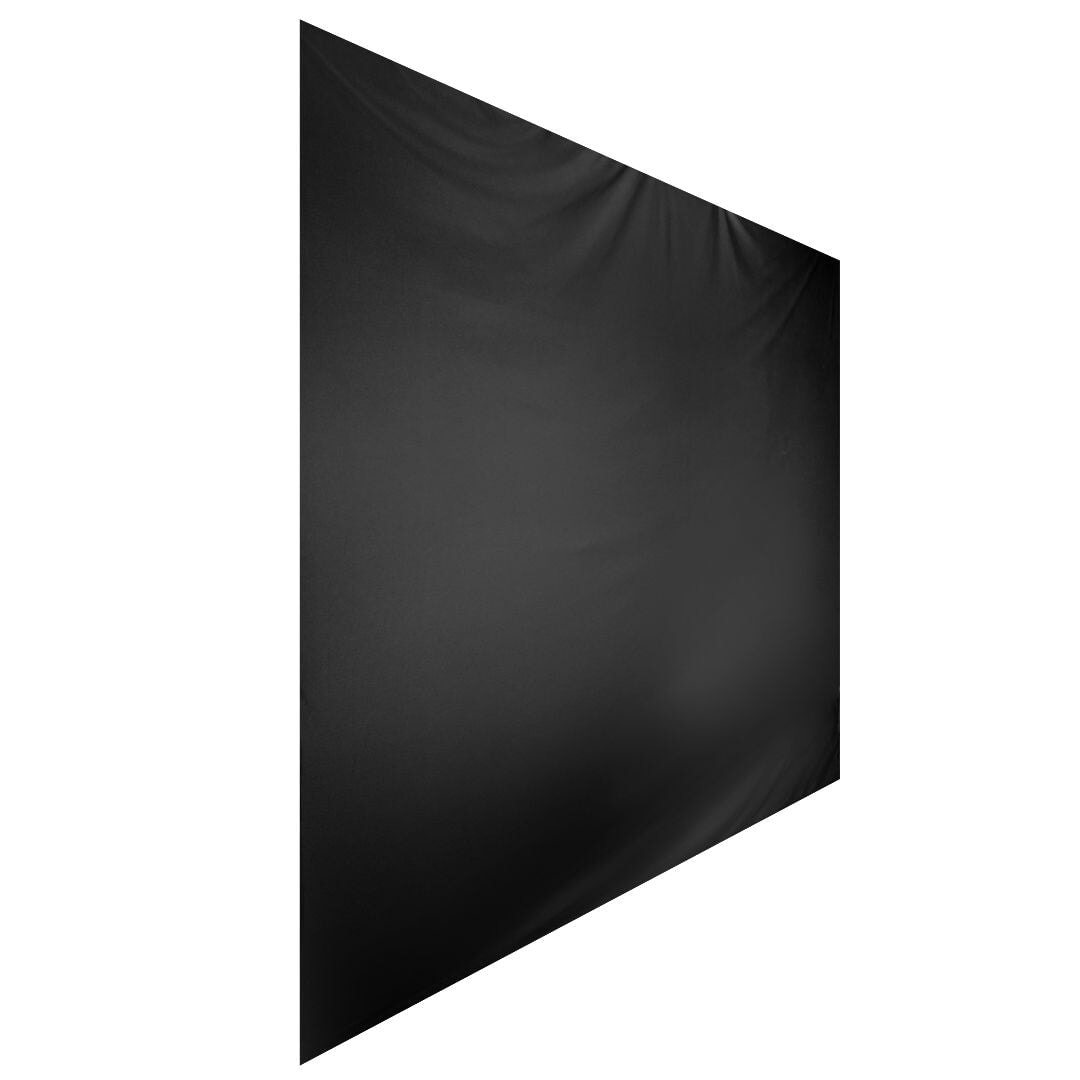
Golf Simulator Blackout Screen Backing
An opaque backing that hangs right behind your white impact screen, stopping projector light from bleeding through for a brighter, more solid picture.
Genuine SIG / SIGPRO · Pay over time with Shop Pay · Simulator planning help: (972) 737-7434
About the Golf Simulator Blackout Screen Backing
Product details from the manufacturer, Shop Indoor Golf (SIG). Sold and supported by Your Tech Haven.
Golf Simulator Blackout Screen Backing
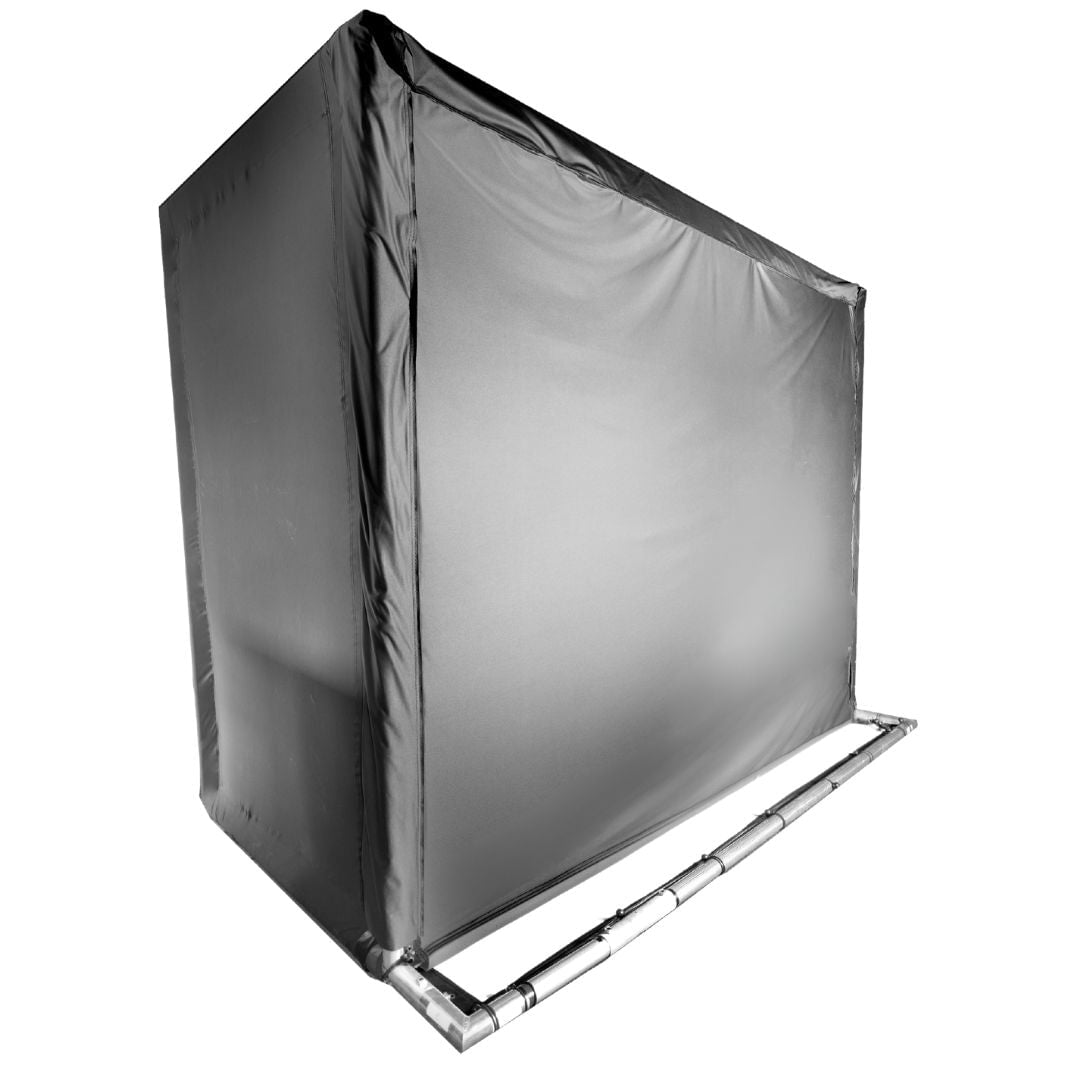
The blackout screen is an opaque backing that attaches directly to the back of your white golf impact screen. It is one of the simplest ways to get a brighter, more solid picture from the projector you already have.
Why a white impact screen needs a backing
An impact screen has to absorb full-swing golf shots, and some of the projector light that reaches it passes straight through. That light is lost to the wall behind the enclosure, and if that wall is lit, its light shows through the screen too. Either way the image looks dimmer and flatter than it should. Hanging the opaque blackout layer directly behind the screen, with as little space between the two as possible, stops the bleed-through and keeps more light on the screen face.
When to add one
The blackout backing is made for enclosures set up in rooms with ambient light: garages, basements with windows, bonus rooms and commercial bays. If the light problem is in front of the screen rather than behind it, from windows or overhead lights facing the screen, the gray SIGPRO™ Premier impact screen tackles that from the face of the screen. Many setups use both approaches.
Built like SIG's screens
Each blackout screen is cut and sewn by Shop Indoor Golf from the same black surround fabric SIG uses on its enclosures, and finished with double-stitched black vinyl edges, grommets around the perimeter and a hook-and-loop strip sewn in. It hangs behind your impact screen using the same ball bungees that hold the screen, with the hook-and-loop helping keep the two layers together.
A backing, not a hitting surface
The blackout screen always hangs behind an impact screen. Never hit balls directly into it.
Golf Simulator Blackout Screen Backing FAQs
Why does a white impact screen need a blackout backing?
Some projector light passes straight through an impact screen and is lost, and a lit wall behind it shows through. The opaque backing stops that so the image looks brighter and richer.
Where does it go?
Directly behind your impact screen, with as little space between the two as possible.
Blackout backing or gray Premier screen?
The backing fixes light coming from behind the screen; the gray SIGPRO Premier tackles light hitting the front of the screen. Many setups use both.
How much room do I need for a golf simulator?
Plan on roughly 10 ft wide, 8 to 10 ft high and 12 to 16 ft deep for a typical home setup. Call (972) 737-7434 with your room size and we will help you pick the right enclosure, screen and mat.
Can I pay over time?
Yes. Split your purchase into easy payments with Shop Pay at checkout, subject to approval.