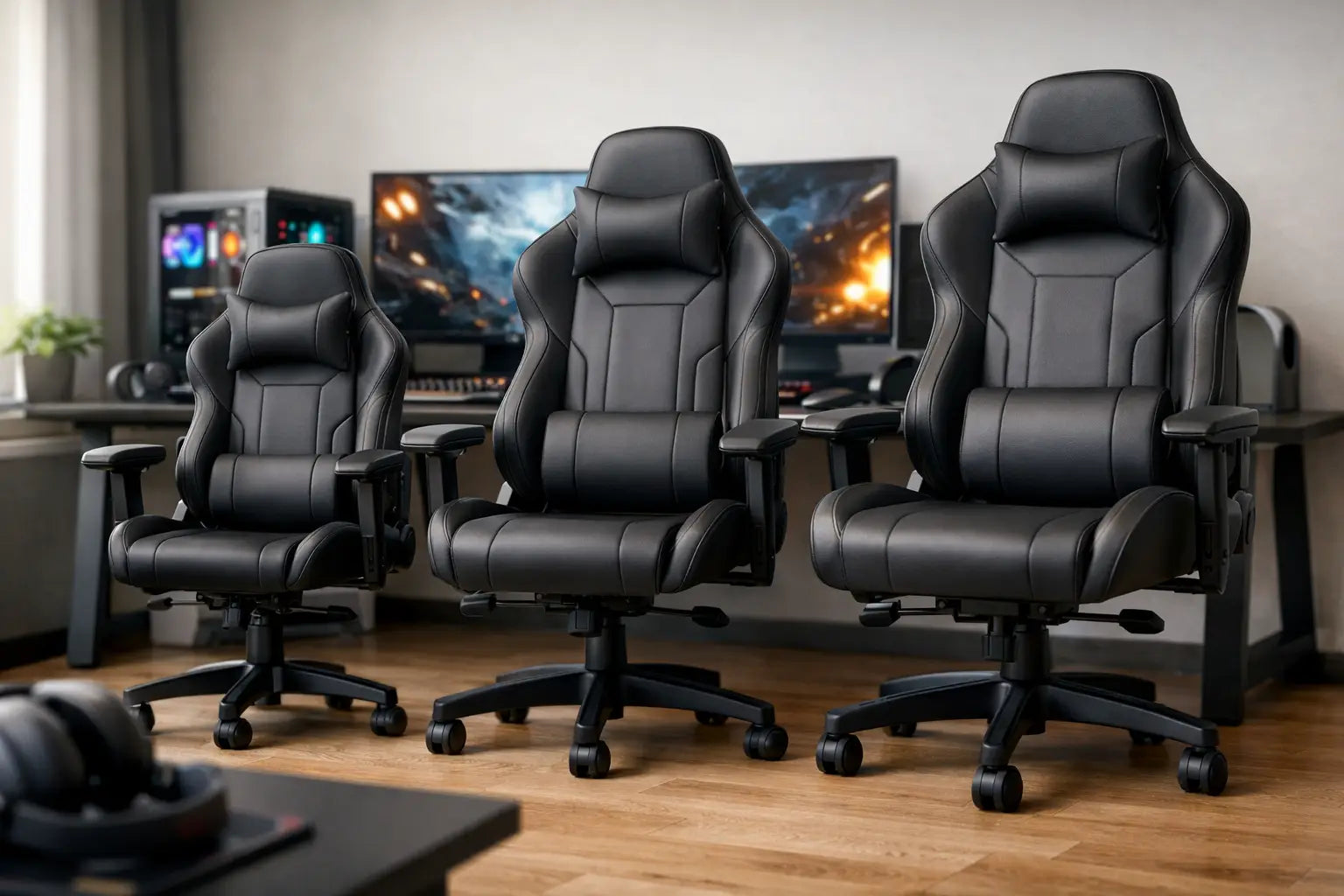
What Size Gaming Chair Do I Need? Find Your Fit
A chair can look like the perfect match for your battle station, then feel wrong within the first hour. Your knees press against the seat edge, the lumbar pillow lands too high, or the armrests refuse to slide under your desk. If you are asking, what size gaming chair do I need, the answer is not simply based on whether you are tall, short, or somewhere in the middle. It comes down to a few dimensions working together: your body measurements, the chair’s adjustment range, and the space around your desk or simulator.
A properly sized gaming chair supports the way you actually play, work, create, and recharge. That makes it one of the most impactful upgrades in a premium home setup.
What Size Gaming Chair Do I Need for My Body?
Start with the manufacturer’s recommended height and weight range. This is a useful first filter, but it should not be your final decision. Two people who are both 6 feet tall can need very different chairs if one has longer legs, broader shoulders, or a different preferred sitting position.
Look at these specifications together rather than choosing based on a single number:
- Seat width determines whether your hips and thighs have room without the side bolsters squeezing inward.
- Seat depth affects where the front edge of the seat meets your legs and whether you can sit back against the backrest.
- Seat height range determines whether your feet can rest flat on the floor while your knees stay close to a 90-degree angle.
- Backrest height and width affect shoulder support, headrest placement, and how naturally you can lean back.
- Weight capacity reflects more than a maximum load. Higher-capacity chairs often use a larger frame, broader base, and firmer components.
Seat Width: Choose Support Without a Squeeze
Seat width is especially important on racing-style gaming chairs with raised side bolsters. Measure the width of the flat, usable seating area, not only the chair’s widest external measurement. A seat that is technically wide enough can still feel restrictive if the bolsters angle sharply into your thighs.
Most adults are comfortable with a usable seat width around 19 to 22 inches. If you prefer to sit cross-legged, shift positions frequently, or have a broader build, moving toward a large or XL model can make a meaningful difference. On the other hand, an overly wide chair may make fixed armrests feel too far away, which can strain your shoulders during mouse-and-keyboard sessions.
Seat Depth: The Detail That Protects Your Legs
Seat depth is the distance from the front edge of the seat to the backrest. When seated all the way back, aim for roughly two to three fingers of clearance between the seat edge and the back of your knees. Less room can create pressure behind the knees. Too much room can force you to perch forward, leaving the backrest and lumbar support underused.
If you have shorter legs, a compact chair or a model with a shallower seat can be more comfortable than a standard oversized design. Taller users usually benefit from deeper seat pans, particularly during long sessions. A sliding seat pan is one of the best premium features for households where more than one person uses the same setup.
Match Chair Height to Your Desk, Not Just Your Height
Your feet should rest flat on the floor or on a stable footrest. Your knees should be roughly level with, or slightly below, your hips. From there, adjust your desk and armrests so your elbows can relax near a 90-degree angle while typing or gaming.
This is where an otherwise excellent chair can become a mismatch. A tall user may need a high seat setting, but a low desk can then leave the armrests unable to fit beneath it. A shorter user may lower the chair enough to plant their feet, only to find the desktop is now too high for comfortable keyboard use.
Measure the clearance from the floor to the underside of your desk before buying. Then compare it with the chair’s lowest and highest armrest settings. Adjustable armrests are a major advantage because they let you bring support to your elbows without dictating your entire desk height.
For a racing simulator, the priorities shift slightly. Your chair needs a height and recline position that align naturally with your wheel deck and pedals. In that environment, stable posture and compatibility with the cockpit frame matter more than sliding the armrests under a desk.
Backrest Size and Lumbar Placement Matter More Than Headrest Branding
A high backrest is not automatically better. The right backrest supports your upper back and lets the head cushion or integrated headrest meet the curve of your neck, rather than pushing your head forward. If the head pillow sits against your shoulders, the chair is likely too tall or poorly matched to your torso length.
Pay close attention to lumbar support. It should land in the natural inward curve of your lower back, not halfway up your spine. External lumbar pillows can be repositioned, which is helpful when several people share a chair. Integrated, adjustable lumbar support usually feels cleaner and offers more precise control, but its range should still suit your body.
Broader users should also compare backrest width at shoulder level. Racing-style wings can feel immersive and secure for some players, but they are not ideal if they press into your shoulders when you lean back. A wide, flatter executive-style gaming chair may be the stronger choice for work-heavy setups and relaxed controller gaming.
Do Not Treat Weight Capacity as a Stretch Goal
Choose a chair with a listed weight capacity comfortably above your current weight. A buffer of 30 to 50 pounds is a smart rule for everyday durability and consistent performance. Sitting directly at a chair’s limit can accelerate wear on the gas lift, mechanism, foam, casters, and base.
Weight capacity also helps narrow down frame size, but it should not replace checking the seat and backrest measurements. A high-capacity chair can still be too deep for a shorter person. Likewise, a medium chair may support the right weight but feel narrow through the hips or shoulders.
Test Your Fit With Measurements at Home
You do not need a showroom to make a confident decision. Grab a tape measure and check your current chair or a comfortable dining chair as a baseline. Measure your floor-to-knee height while seated, the approximate width you need across the hips, and the distance from your lower back to the back of your knees.
Then compare those numbers with the product specifications. Focus on usable seat width, adjustable seat-height range, and seat depth first. After that, consider armrest movement, recline range, footrest options, and upholstery. Premium materials and bold styling elevate the experience, but the dimensions determine whether you will enjoy the chair every day.
Common Sizing Mistakes to Avoid
The biggest mistake is buying the largest chair because it seems more luxurious. Extra room is only helpful when it still lets your armrests support your elbows and your lumbar support reach the right spot. An oversized chair can feel less controlled and less ergonomic than a well-fitted standard model.
Another common issue is ignoring footwear and flooring. Thick carpet can slightly reduce effective seat height, while a hard floor and thin-soled slippers may make a chair feel taller than expected. If your feet are just short of reaching the floor, a quality footrest can solve the problem. If the seat is far too high or too deep, a footrest cannot fully correct the fit.
Finally, do not assume a chair built for console lounging will automatically suit a desktop workstation. Controller gaming often rewards deeper recline and a broader seat. Competitive PC gaming and creative work demand closer desk access, stable arm support, and fast posture adjustments.
The right gaming chair should disappear into your routine. You should be focused on the match, the edit, the race, or the next project - not shifting around to escape pressure points. Choose the size that supports your body and your setup now, and your game room will feel more capable every time you sit down.