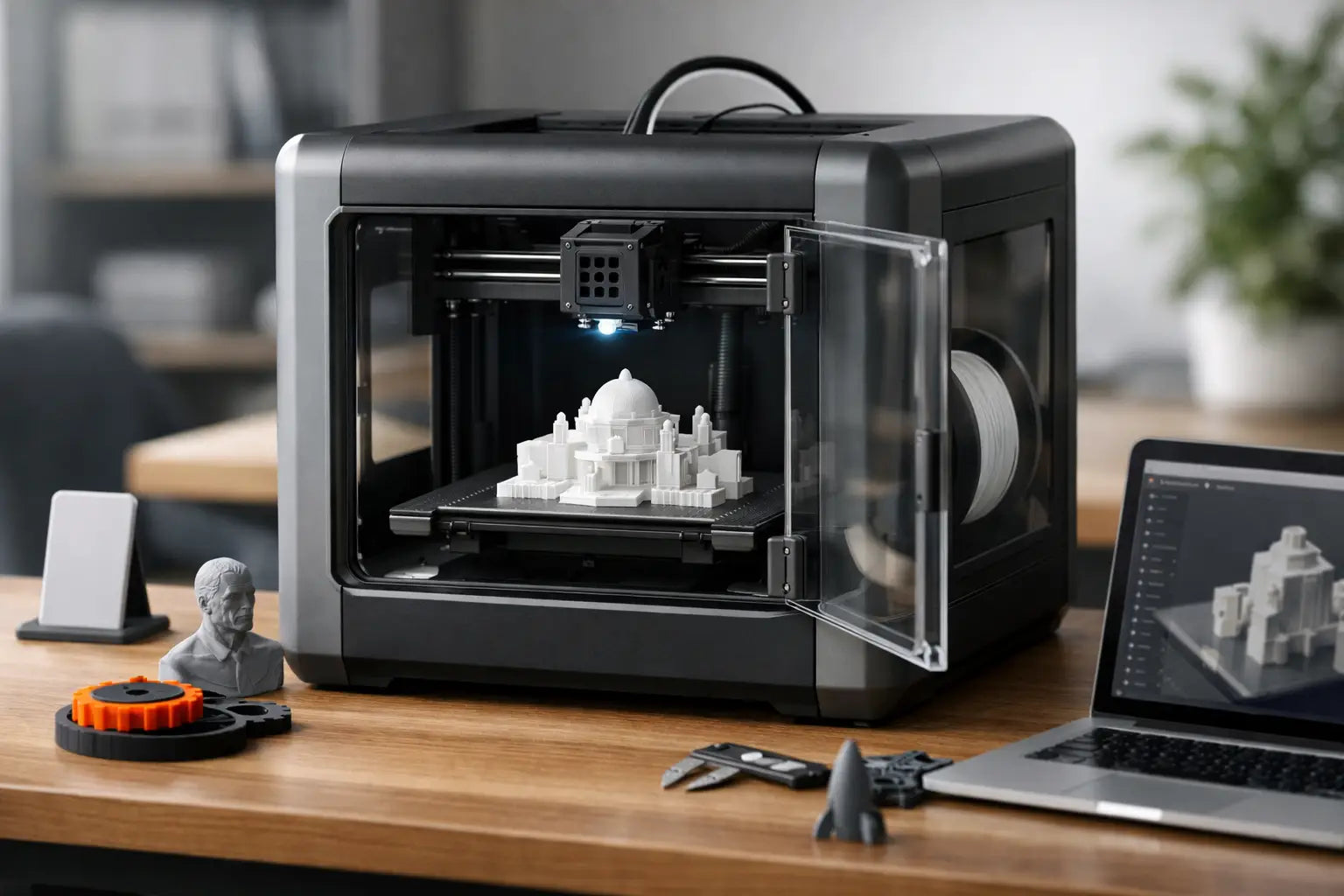
Guide to Buying a Desktop 3D Printer
That first desktop 3D printer usually starts with a simple idea - print a prototype, make custom parts, build tabletop accessories, or finally bring your design sketches into the real world. A smart guide to buying a desktop 3D printer helps you avoid the most common mistake: paying for specs that look impressive on paper but do not match how you will actually print.
The right machine is less about chasing the biggest build volume or the fastest advertised speed and more about fit. Fit for your workspace, your material needs, your learning curve, and the kind of projects you want to run next month and next year. If you are shopping in the premium consumer space, that balance matters even more, because the best value usually comes from a printer that saves time, reduces failed prints, and keeps your workflow moving.
What this guide to buying a desktop 3D printer should solve
Most shoppers are comparing three things at once: print quality, convenience, and long-term value. The catch is that these do not always move together. A low-cost machine might produce solid results, but only if you are willing to tune it constantly. A more advanced model may cost more upfront, yet deliver cleaner prints, easier calibration, and a much better ownership experience.
That is why shopping by headline specs alone can lead you in the wrong direction. A printer with extreme speed claims may sacrifice surface finish. A giant build area may sound exciting until it dominates your desk and mostly sits half-empty. A machine with broad material compatibility may be wasted if you only plan to print PLA decor, organizers, or cosplay accessories.
Start with what you want to print
Before comparing brands or feature lists, define your real use case. If your goal is household helpers, display models, game accessories, or school projects, you probably want a printer that is easy to operate and reliable with common materials. If you are building functional parts, engineering prototypes, or production runs in small batches, material range, dimensional consistency, and thermal control matter much more.
For hobbyists and creators, the sweet spot is often a machine that handles PLA and PETG exceptionally well, with enough expandability to explore more advanced materials later. For workshop users or professionals, an enclosed printer with stronger temperature management can be worth the extra investment. It depends on whether you need convenience for occasional use or performance for demanding output.
FDM or resin: choose the right type first
For most buyers, the first major decision is printer type. FDM printers melt filament and build objects layer by layer. Resin printers use liquid photopolymer cured by light. Both can produce impressive results, but they serve different priorities.
FDM is usually the better fit for general-purpose printing. It is excellent for functional parts, larger objects, organizers, prototypes, brackets, cosplay pieces, and hobby builds. Materials are easier to store and handle, and the overall workflow is more approachable for most homes, garages, and studios.
Resin shines when fine detail is the priority. Miniatures, jewelry prototypes, dental models, and display-quality small parts benefit from the smoother surfaces and sharper features resin can produce. The trade-off is mess, odor, post-processing, and stricter handling requirements. If you want a printer that feels practical day to day, FDM is often the better first buy. If your results depend on very high detail, resin deserves serious attention.
The specs that matter most
Print quality is more than layer height
Shoppers often fixate on minimum layer height, but that number tells only part of the story. Real-world print quality depends on frame rigidity, motion system accuracy, extruder consistency, cooling, and software tuning. A printer that is engineered well across the board will usually outperform one with flashy numbers and weak execution.
Look for consistency in reviews and sample output. Clean overhangs, smooth vertical walls, and dependable first layers usually matter more than chasing the smallest theoretical layer setting.
Build volume should match your real projects
A larger print area gives you flexibility, but it also adds size, weight, and sometimes longer heating times. If you mostly print desk accessories, replacement parts, mini terrain, or organizers, a moderate build volume may be the smarter choice. If you know you want helmets, larger prototypes, or multi-part production trays, extra space becomes valuable.
Buying too small can feel limiting quickly. Buying too large can mean paying for footprint and complexity you rarely use. Be honest about your project size.
Speed claims need context
Modern printers are much faster than older generations, and that is a major quality-of-life upgrade. Still, top-speed marketing numbers can be misleading. A printer may move extremely fast in theory while delivering best results at more moderate speeds.
If speed matters, look for machines known for balancing acceleration, stability, and print quality. Fast printing is great. Fast printing with dependable results is what actually saves money and frustration.
Material support affects long-term value
PLA is beginner-friendly and excellent for many decorative and utility prints. PETG adds durability and heat resistance. ABS, ASA, nylon, polycarbonate, and carbon fiber blends open the door to more demanding applications, but they require stronger hardware and often an enclosure.
If you know you want engineering-grade materials, do not buy a printer that barely handles them. On the other hand, if you mainly want easy, clean printing for home use, a simpler machine can be the better ownership experience.
Features worth paying for
Guide to buying a desktop 3D printer by convenience features
The best desktop 3D printers are not just capable. They are easier to live with. That means certain features can make a meaningful difference.
Automatic bed leveling is one of them. It cuts setup friction and improves first-layer reliability, especially for newer users. A direct-drive extruder can help with flexible materials and extrusion control. An enclosed chamber can improve safety, temperature stability, and performance with more advanced filaments.
A touchscreen, Wi-Fi connectivity, camera monitoring, and app-based controls are not essential for every buyer, but they can make your setup feel much more future-ready. Filament runout sensors and power-loss recovery are also practical protections, especially if you are running longer prints.
The key question is whether a feature improves output, ease of use, or uptime. If it does, it is worth considering. If it only sounds impressive, it may not deserve a premium.
Do not overlook software and ecosystem
A great printer with weak software can still become a frustrating purchase. Slicer software affects print setup, support generation, material profiles, and overall usability. A strong ecosystem also means easier firmware updates, replacement parts availability, active user communities, and responsive support.
This matters more than many buyers expect. A polished software experience lowers the learning curve and shortens the time from unboxing to successful prints. For creators, makers, and professionals who value momentum, that is a real advantage.
Space, noise, and setup matter at home
Desktop 3D printers live in real spaces - home offices, workshops, studios, game rooms, and garages. That means practical ownership factors count. Some machines are quiet enough for shared environments, while others are better suited for dedicated work areas. Some need ventilation considerations, especially with resin or higher-temp materials.
Measure your available space before you buy, including clearance for spool placement, door opening, maintenance access, and airflow. Also think about how much setup you want to do. Some printers are nearly plug-and-play. Others reward hands-on users who enjoy tuning and modification.
Neither approach is wrong. It just depends on how you want this technology to fit into your lifestyle.
Budget for the full experience, not just the printer
A desktop 3D printer is only part of the investment. Filament or resin, spare nozzles, build plates, wash and cure equipment for resin, tools, and maintenance supplies all affect the true cost of ownership. So does your time.
That is why premium shoppers often do better with a printer that costs more upfront but reduces failed prints and troubleshooting hours. Better reliability can be the most valuable feature in the entire category. When a printer works consistently, you print more, learn faster, and get more from every material dollar.
At Your Tech Haven, that is exactly why curated product selection matters. The goal is not just offering more options. It is helping buyers choose equipment that feels exciting to own and dependable to use.
How to narrow your final choice
If you are stuck between a few models, compare them through three lenses. First, ask which printer best fits your primary projects. Second, ask which one will be easiest to operate consistently in your space. Third, ask which machine gives you room to grow without forcing you to overbuy today.
That final point is where many smart purchases happen. A good desktop 3D printer should meet your current needs while giving you confidence to try bigger, more advanced builds later. The strongest buy is rarely the one with the longest feature list. It is the one that turns ideas into finished parts with the least friction.
A desktop 3D printer can be one of the most rewarding tools in a modern home setup. Choose the machine that matches your ambition, your workflow, and the kind of creator you want to become next.