How to Set Up a Drone Workspace That Performs
A drone on a kitchen counter might be convenient for one quick battery swap. It is not a system. Once you are flying regularly, shooting content, inspecting property, or building a serious hobby setup, knowing how to set up drone workspace zones turns scattered gear into a safer, faster, more enjoyable flight routine.
The goal is not to build a commercial hangar in your garage. It is to create a dedicated home base where your aircraft, batteries, controller, tools, and media are protected, easy to find, and ready when the weather gives you a perfect flight window.
Start With the Right Location
Choose a clean, dry, climate-controlled spot with enough space to work around an open drone case or landing pad. A spare bedroom, home office, finished basement, workshop, or section of the garage can work well. The best choice depends on your aircraft, how often you fly, and whether you also edit footage or build accessories.
Avoid areas exposed to direct sun, high humidity, sawdust, pet hair, or big temperature swings. These conditions can affect batteries, sensors, gimbals, and camera lenses over time. If your garage is your only option, use sealed storage cases and keep batteries indoors whenever temperatures become extreme.
You also want a location with reliable power, solid Wi-Fi if you update firmware there, and a stable table or workbench. A workspace near your editing computer can make sense for content creators. Pilots who do more hands-on repairs may benefit from a workshop location with better lighting and room for tools.
Build Your Drone Workspace Around Four Zones
The easiest way to keep premium equipment organized is to give every task a defined place. Your setup does not need walls or permanent cabinetry. A workbench, rolling cart, shelving unit, and a few quality organizers can create clear zones in a compact footprint.
- Flight-ready zone: Keep the drone, controller, propellers, landing pad, and packed flight bag here. This is the area you check before heading out.
- Charging zone: Reserve a nonflammable, uncluttered surface for approved chargers, battery hubs, and battery-safe storage. Keep charging away from paper, fabric, fuel, and other combustibles.
- Maintenance zone: Use this space for propeller changes, cleaning, firmware checks, and minor repairs. A mat with compartments prevents tiny screws and tools from disappearing.
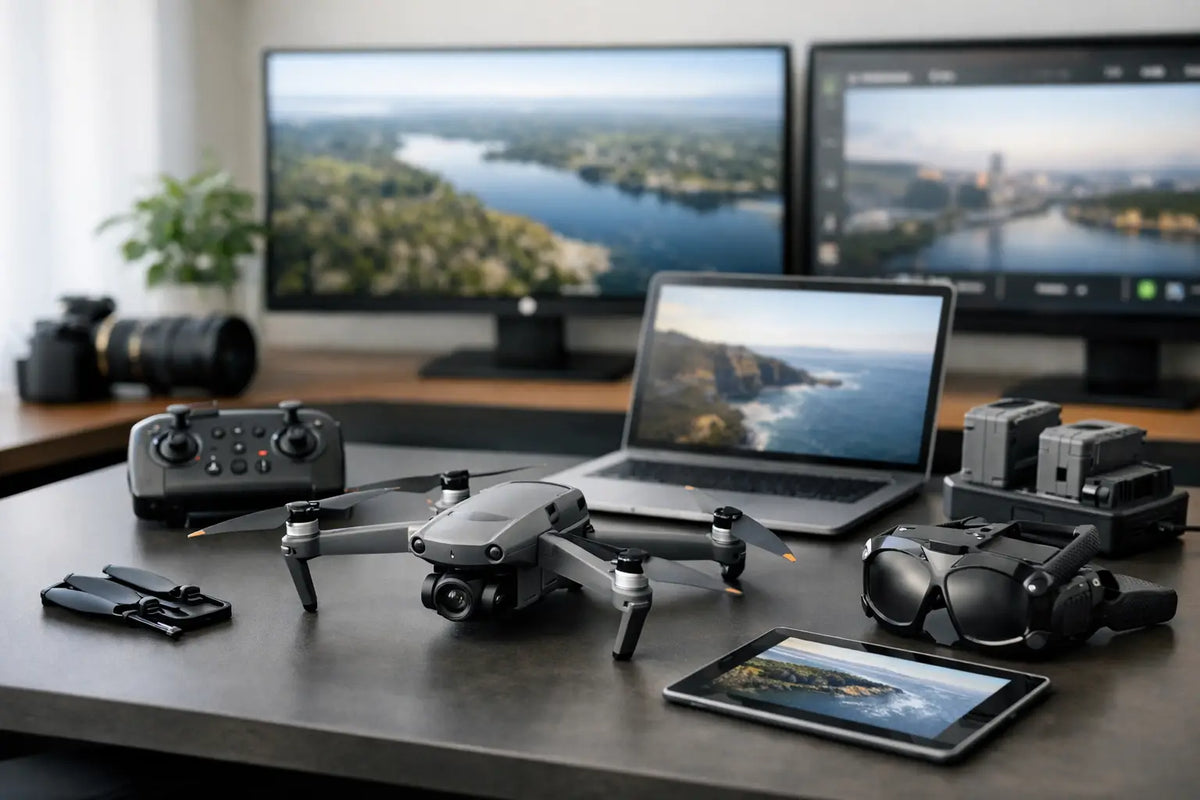
- Media and planning zone: Store memory cards, card readers, tablet mounts, hard drives, notebooks, and calibration accessories here. If you edit aerial footage, this zone can connect directly to your computer setup.
Choose a Surface Built for Real Use
A sturdy desk or workbench is the foundation of the workspace. Look for a surface wide enough to hold your drone with its arms extended, plus room for the controller, tools, and a battery hub. For larger camera drones, 48 to 60 inches of width is comfortable. Smaller foldable drones can operate well from a more compact desk, especially when paired with wall storage or a rolling cart.
A dark, non-reflective work mat helps you see screws, propeller clips, and camera accessories. Silicone mats are especially useful because they are heat resistant, easy to clean, and often include molded trays for small parts. Add a low-pile chair mat or anti-fatigue mat if you will spend long stretches at the bench editing, maintaining equipment, or preparing for client work.
Do not treat the work surface as permanent storage. A crowded desk makes inspections harder and raises the chance of knocking a lens, battery, or drone body onto the floor. Store gear vertically or in labeled cases when it is not actively in use.
Make Battery Safety the Center of the Setup
Batteries deserve the most deliberate part of your drone workspace. Modern intelligent flight batteries offer valuable safety features, but they still require proper charging, storage, and inspection. Use the charger and cables specified by the manufacturer, and plug them into a quality surge protector rather than an overloaded power strip.
Set up charging on a clear metal, tile, or other noncombustible surface. A fire-resistant battery bag or charging case adds another layer of protection, particularly in a shared home workspace. It does not make unsafe charging safe, so never leave batteries charging unattended or charge a damaged, swollen, overheated, or wet battery.
Keep a simple system for battery status. Many pilots use labeled slots or small bins for charged, partially used, and storage-level batteries. This prevents the frustrating scenario of arriving at a flight location with three batteries that all need charging. For longer breaks between flights, follow the manufacturer’s recommended storage percentage and keep batteries at moderate room temperatures.
A small smoke detector near the workspace is a smart precaution. If you fly larger drones, own several battery sets, or regularly charge overnight for early flights, consider whether a dedicated charging area outside your primary living space is the better trade-off.
Add Lighting That Helps You Inspect, Not Just Display
Good lighting is one of the most affordable upgrades you can make. Overhead room lighting alone often creates shadows beneath motors, gimbals, and landing gear, exactly where you need to spot dirt or damage.
Use a bright adjustable desk lamp with a neutral white color temperature. Position it so you can inspect propeller hubs, camera glass, sensor covers, and battery contacts without glare. A small magnifying lamp is helpful for pilots who repair compact drones or work with delicate connectors.
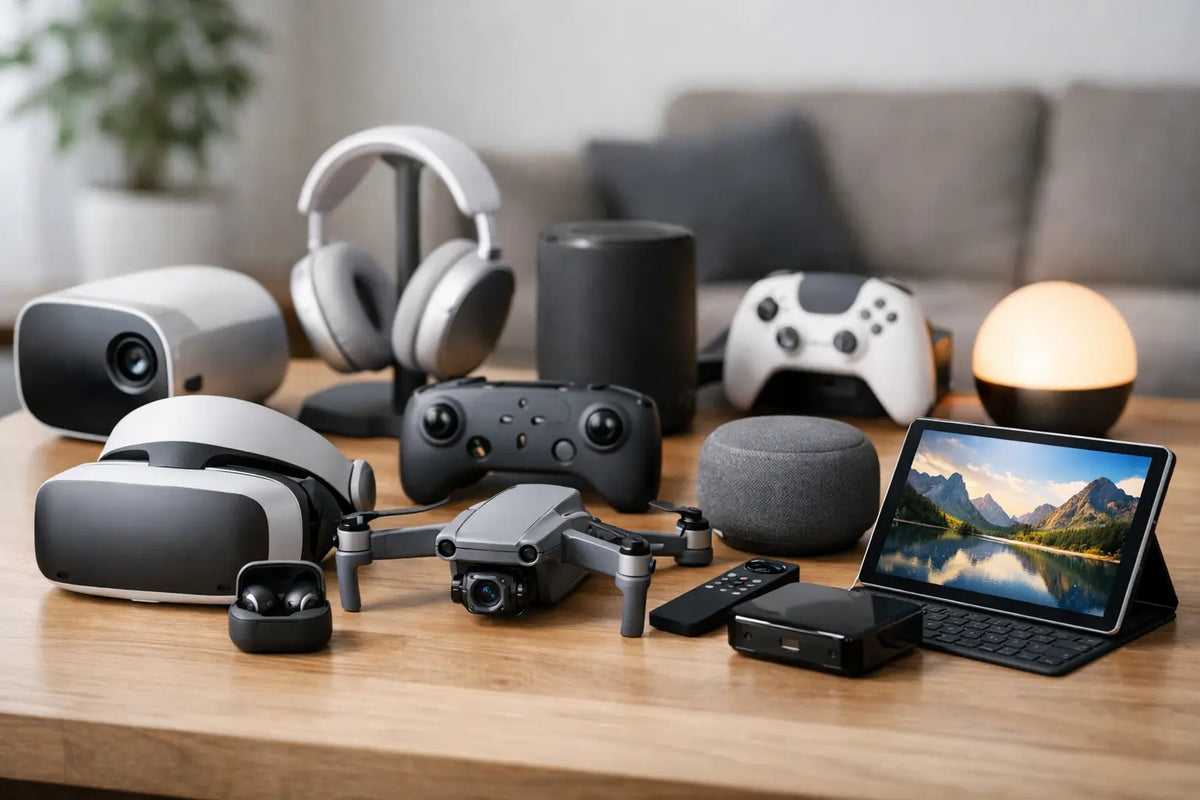
Display lighting can still have a place. If your workspace shares a room with a gaming setup, simulator rig, or creator studio, LED accent lighting can make the area feel like part of a future-ready tech space. Just keep functional task lighting separate from decorative lighting. You need to see dust and hairline cracks, not only create a great backdrop for social content.
Organize the Small Gear That Stops Flights
The drone itself is usually not the item that causes a delayed launch. It is the missing microSD card, the wrong cable, a forgotten controller strap, or a propeller wrench buried in a drawer.
Use labeled drawer organizers or clear bins for propellers, filters, spare screws, charging cables, adapters, and cleaning supplies. Keep lens cloths in a sealed container so they stay free of grit. Memory cards should live in a protective card case, not loose in a pocket or on the desk.
Create a grab-and-go kit for every flight. It should include the items you need regardless of location: controller, charged batteries, a formatted memory card, spare propellers, cleaning cloth, sun hood if you use one, and any required identification or documentation. If you fly for content or client work, add a checklist for airspace review, weather, shot planning, and local permissions.
Design a Pre-Flight and Post-Flight Routine
A workspace earns its value when it supports habits. Before a flight, inspect the airframe, propellers, battery contacts, gimbal, and camera lens. Confirm that your batteries and controller are charged, firmware is current when needed, and your storage card has enough available space.
After a flight, do not immediately pack everything away. Let batteries cool before charging. Wipe off dust, grass, moisture, or salt residue, especially after flying near beaches or outdoor trails. Review the aircraft for propeller damage and check that the gimbal moves freely.
Then transfer and back up your footage before formatting the card for the next mission. Creators who organize clips by date, location, and project will save hours when it is time to edit. A dedicated external drive or network storage solution is worthwhile if aerial footage is becoming a serious part of your content workflow.
Keep the Workspace Flexible as Your Fleet Grows
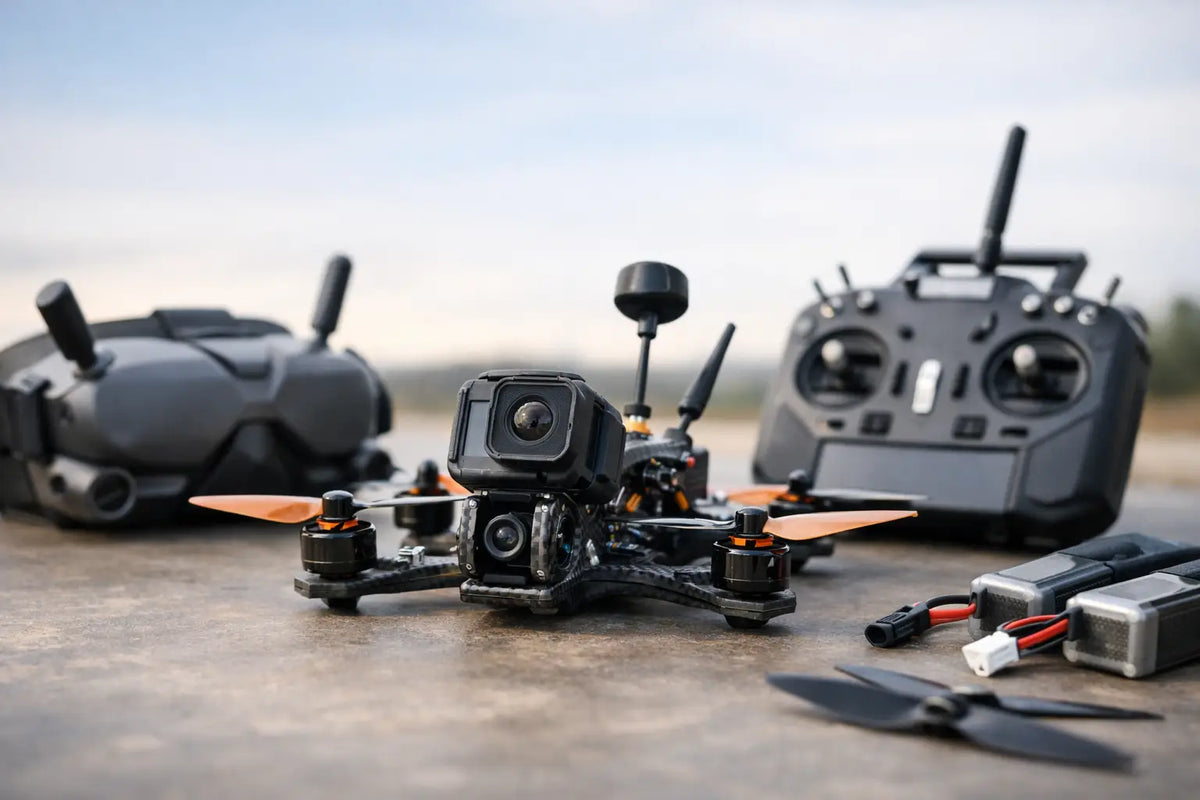
Your first workspace may support one compact drone. Six months later, you may add extra batteries, a larger camera drone, FPV gear, filters, a tablet, and a better editing station. Plan for expansion by choosing modular shelves, stackable cases, rolling carts, and organizers that can move with you.
There is no single perfect setup. A travel-focused pilot may prioritize a fast packing station, while a real estate creator may want a media transfer desk and clean client-delivery workflow. A hands-on enthusiast might devote more room to tools and replacement parts. Build around the work you actually do, then improve it one smart upgrade at a time.
A dedicated drone workspace makes every flight feel more intentional. With the right surface, safer battery habits, and a place for every essential accessory, your gear stays protected and your next aerial idea is always closer to takeoff. Your Tech Haven is built for that kind of elevated tech lifestyle: equipment chosen not just to own, but to put to work.