How to Choose a 3D Scanner That Fits
You usually know you need a 3D scanner right around the moment your phone camera stops being enough. Maybe you are reverse-engineering a part, digitizing sculptures, building cleaner CAD references, or bringing real-world objects into a print workflow. If you are figuring out how to choose a 3D scanner, the smartest move is not starting with brands or price tags. Start with the job you need done, because scanner performance only looks impressive when it matches the work in front of you.
A lot of buyers get pulled toward headline specs and glossy demos. That is understandable. 3D scanning feels cutting-edge, and the market is packed with exciting hardware. But the right scanner is less about owning the most advanced option and more about choosing the one that fits your object size, accuracy needs, workspace, and software comfort level.
How to choose a 3D scanner by use case
The fastest way to narrow the field is to be honest about what you plan to scan most often. A scanner that shines with automotive parts may be the wrong pick for faces, miniatures, or room-scale capture.
If you are a maker or hobbyist scanning parts for 3D printing, focus on dependable geometry capture, manageable software, and enough detail for fit testing. You may not need metrology-grade precision, but you do need repeatable results and a workflow that does not turn every scan into a cleanup project.
If you are designing products, inspecting prototypes, or creating CAD references, accuracy matters more. In that case, look beyond marketing phrases like high resolution and examine actual tolerance figures, tracking stability, and export compatibility with the software you already use.
If your goal is creative work, such as character assets, sculptures, collectibles, or immersive content, texture capture and ease of handling become more important. You may accept slightly lower measurement precision if the scanner captures shape and surface detail in a way that saves time later.
For educators, labs, and shared workspaces, durability and ease of training matter just as much as raw capability. A scanner used by one expert is a different purchase than a scanner used by ten students with varying skill levels.
Accuracy, resolution, and precision are not the same thing
This is where many buyers overspend or undershoot. Accuracy usually refers to how close the scan is to the real object. Resolution refers to how much fine detail the scanner can capture. Precision is about consistency from scan to scan.
That distinction matters. If you are scanning mechanical parts that must fit together, accuracy and precision should lead the decision. If you are scanning textured art pieces or organic shapes, high resolution may matter more than ultra-tight dimensional tolerances.
A scanner can produce visually impressive meshes while still falling short for engineering work. On the other hand, a scanner built for measurement may produce less flashy previews but far better dimensional reliability. When comparing models, ask what the stated numbers mean in practice. A tiny stated accuracy value sounds great, but only if it applies to the object size and scanning conditions you actually use.
Match the scanner to object size and surface type
One of the biggest practical factors in how to choose a 3D scanner is scan volume. Small objects, medium parts, full human bodies, and large environments all ask for different capture approaches.
For jewelry, miniatures, and small components, you need close-range detail and stable alignment. For furniture, bikes, or larger equipment, you need a scanner that can keep tracking over broader surfaces without introducing drift. For people, speed becomes critical because the subject moves, even when trying not to.
Surface type also changes everything. Glossy, transparent, black, or reflective objects are harder to capture than matte, textured surfaces. Some scanners handle these materials better than others, but no scanner ignores physics. If you regularly scan difficult surfaces, plan for prep steps such as matting spray or markers, and factor that extra labor into your buying decision.
Structured light, laser, or photogrammetry-adjacent workflows
You do not need to become an optics expert, but knowing the broad categories helps. Structured light scanners are popular for high-detail close to mid-range capture and often work well for product design, art, and small-to-medium objects. Laser-based scanners can offer strong performance across more demanding professional applications, especially where accuracy and surface handling are priorities.
There are also workflows that blend dedicated scanning with camera-based capture methods. These can be powerful, but they are not always the fastest route for buyers who want a more direct, hardware-led workflow.
The trade-off is straightforward. More advanced systems often deliver better results and broader object compatibility, but they usually require a larger budget and more setup discipline. If you want quick wins in a home studio or makerspace, ease of use may be more valuable than maximum technical range.
Speed matters more than most buyers expect
A scanner that looks great on paper can still slow your entire workflow if capture takes too long or alignment is unreliable. Scan speed is not just a comfort feature. It affects whether you can work efficiently with people, large objects, repeated projects, or commercial deadlines.
Fast scanning helps when you are capturing a person, moving around a large object, or trying to reduce the number of passes needed. But speed without stable tracking can create its own problems. A scanner that loses alignment forces rescans and extra cleanup, which eats up any time savings.
This is why live tracking quality and software feedback matter so much. You want a scanner that shows clearly what has been captured, what is missing, and whether the model is holding together accurately as you move.
Software can make or break the experience
Hardware gets the attention, but software decides whether ownership feels exciting or frustrating. Some scanners produce strong raw data but depend on a more technical post-processing workflow. Others are built to help newer users get from capture to export with less friction.
Before buying, think about what happens after the scan. Do you need watertight meshes for 3D printing? Do you need point clouds for inspection? Do you need exports that work cleanly with CAD, game engines, or content creation tools?
Also consider your tolerance for learning curves. If you enjoy tuning settings and refining scans, a more advanced platform may be a great fit. If you want a smoother path to results, prioritize software that automates alignment, cleanup, and hole filling without hiding too much control.
For many shoppers, this is where premium gear proves its value. A polished software ecosystem often saves more time than a slightly better spec sheet.
Handheld or desktop
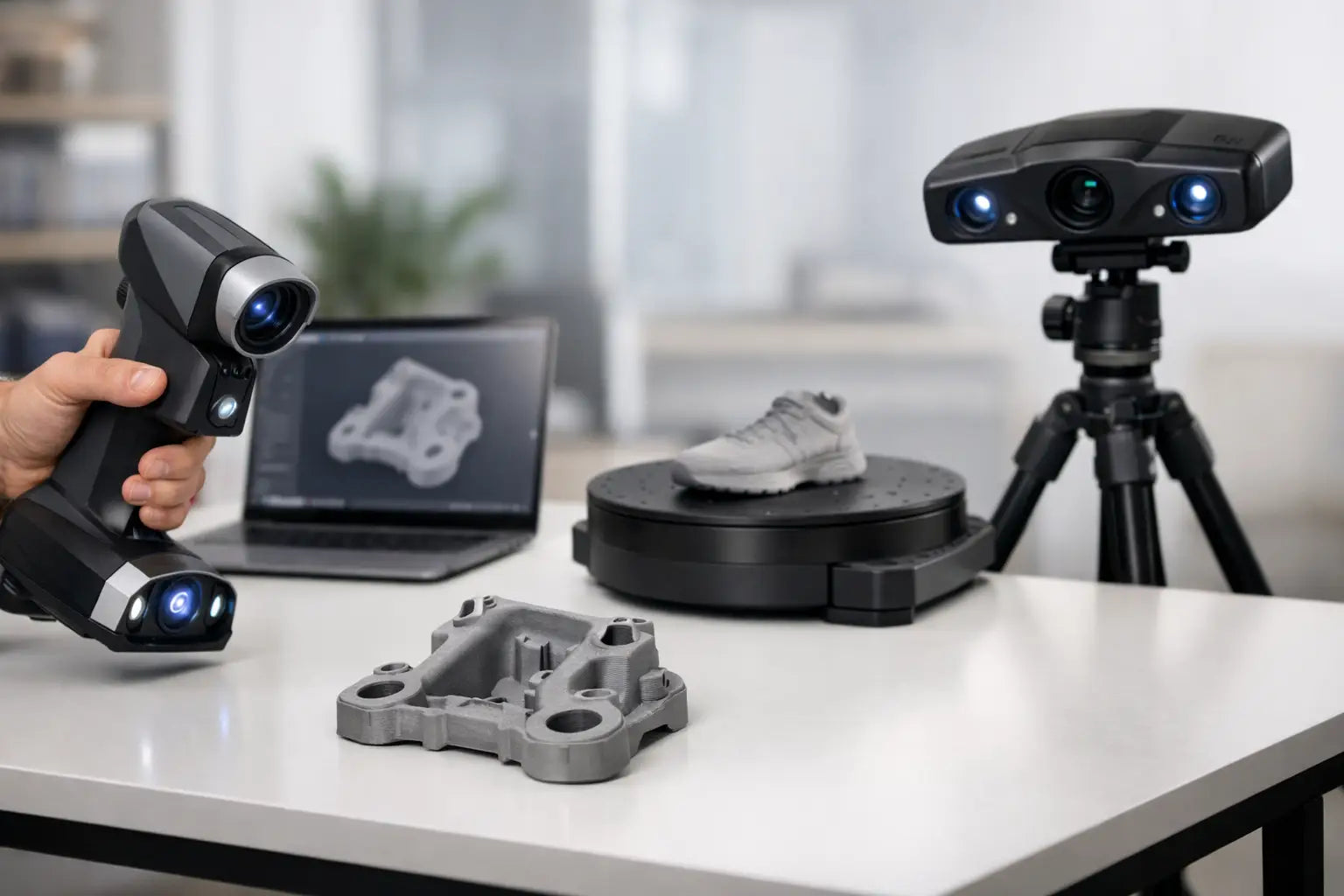
This choice comes down to flexibility versus control. Handheld scanners are ideal if you scan objects of different sizes, need to move around your subject, or want a more versatile setup. They are especially attractive for makers, creators, and pros who do not want to be locked into a fixed station.
Desktop scanners usually provide a more controlled environment for small objects. They can be easier for repeatable tabletop scanning, especially when paired with turntables and stable lighting conditions. But they are less adaptable once your projects grow beyond compact items.
If your workflow is varied, handheld usually offers the better long-term value. If your workflow is highly consistent and object size stays small, desktop can be the more efficient choice.
Budget beyond the scanner itself
A smart purchase includes the total workflow, not just the device. That means thinking about calibration tools, tripods or turntables, optional scanning spray, marker dots, software licensing, and the computer needed to process data smoothly.
This is where buyers can either make a future-ready investment or accidentally create a bottleneck. A cheaper scanner paired with a clunky workflow may cost more in time than a premium model with stronger software and faster capture. On the other hand, paying for industrial-grade performance you will never use is not a win either.
The sweet spot is a scanner that covers your most demanding real project, not your most ambitious hypothetical one.
Questions that lead to the right scanner
If you want a cleaner decision, ask yourself a few practical questions. What objects will you scan every week, not just once in a while? How accurate do those scans need to be? Will you scan in a controlled workspace or on the go? Do you care more about texture, measurement, or speed? And how much post-processing are you willing to do?
Those answers usually reveal whether you need an enthusiast-grade handheld model, a more precision-focused professional system, or a compact desktop setup.
For shoppers building a serious creative or production workflow, this is where a curated retailer matters. A strong product mix helps you compare scanners by outcome, not just by isolated specs, which is exactly how high-value tech should be bought.
The best choice is the one you will actually use
The most impressive 3D scanner is not always the best one to own. The best one is the scanner that fits your projects, your space, your software habits, and the level of detail your work truly demands. When those pieces line up, scanning stops feeling experimental and starts becoming part of a smoother, smarter creation process.
Choose for the work you are ready to do next, and you will end up with a tool that keeps proving its value long after the unboxing excitement fades.